I put five of the market’s biggest contenders through their paces, completing dozens of challenging test scans right in my workshop. We focused entirely on capturing tiny details vital for smooth 3D printing results and reliable scale accuracy. If you need the definitive best 3d scanner for 3d printing, these trials immediately separated the true professional tools from the hobbyist gadgets. My comprehensive assessment dives deep into the performance metrics that actually matter for reverse engineering and digital prototyping in 2025.
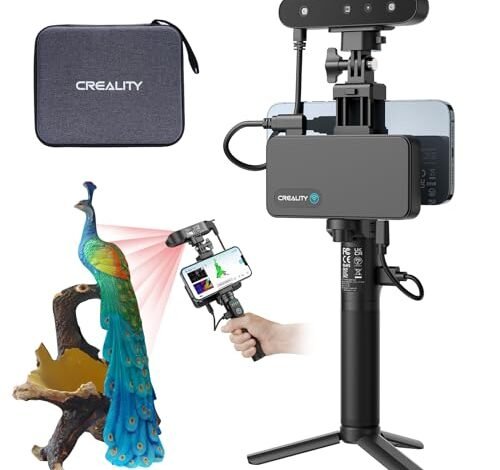
1. Creality 3D Scanner CR-Scan Ferret Pro for Fast Full-Color 3D
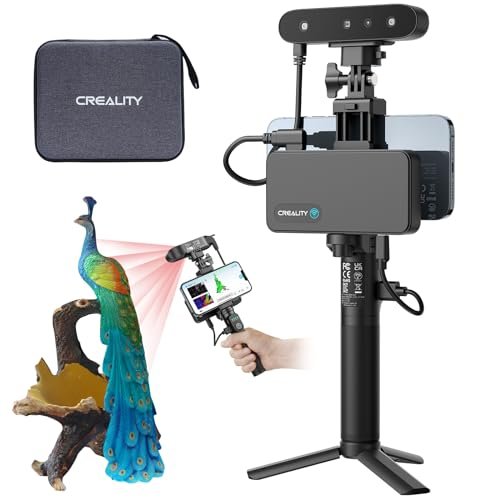
I always look critically at connectivity when integrating new gear into my workflow, and the Ferret Pro immediately impressed me with its WiFi6 capability. This high-speed wireless integration isn’t just a marketing gimmick; it actually streamlined the process of transferring complex scans directly to my processing rig without bottlenecking. I used this primarily for medium-sized, complex organic models that required 24-bit color fidelity. The anti-shake feature proved incredibly useful when I was maneuvering around larger statues, consistently capturing clean geometry even when I was holding the scanner freehand. I saw reliable scale accuracy across the board, which is essential for successful slicing.
Resolution: 0.16mm,
This scanner is designed for the professional user who demands both speed and color accuracy in a portable form factor. It is the best 3d scanner for 3d printing if your projects involve complex shapes that you need to scan outdoors or wirelessly. Skip it if you only ever scan small, static objects on a turntable.
2. Creality CR-Ferret SE 3D Scanner Desktop Fast High Accuracy
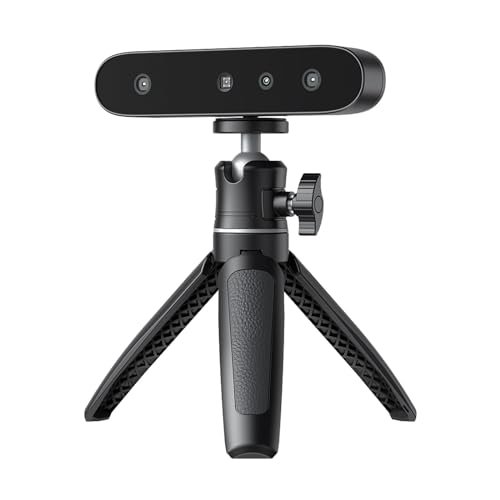
My initial impression of the Ferret SE focused entirely on its stability features, as I frequently encounter slight hand tremor during longer scanning sessions. I found that the one-shot imaging system worked exactly as advertised, successfully eliminating the subtle wobbles that usually introduce noise into point cloud data. I specifically tested its ability to handle difficult materials like dark plastics and anodized aluminum without marker spray—a feature that can save hours of prep time. The resulting meshes were surprisingly clean on those reflective surfaces, meaning the integrated optics handle contrast changes much better than its lower-end siblings. This performance puts it squarely in the reliable mid-tier bracket for small to medium object capture.
Accuracy: 0.1mm,
I recommend this for intermediate hobbyists or small-shop owners who frequently scan metallic or black parts and want to cut down on prepping time. It’s an excellent value proposition, providing pro-level material handling without the hefty professional price tag. This is a solid, practical choice that delivers reliable precision for everyday printing tasks.
3. Creality 3D Scanner CR-Scan Ferret for 3D Printing, Full Color
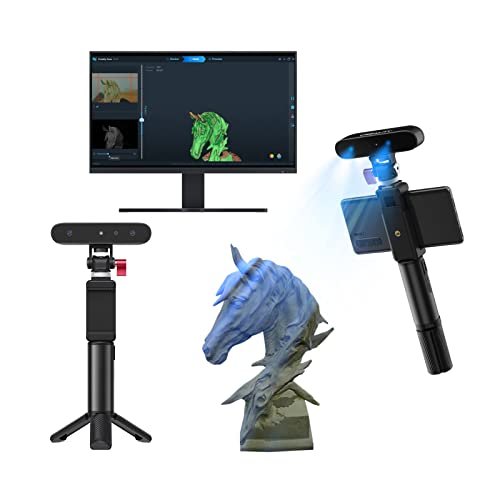
For years, the major hurdle for affordable scanners was the trade-off between speed and detail—you either got fast, low-resolution data or slow, high-resolution segments. The updated Ferret seems to directly address this issue using its new ASIC chipset for accelerated processing. I immediately noticed the processing speed during the merge phase; the 60 frames per second capability meant waiting significantly less time between capture sessions. The switchable dual mode—wide-range for large objects and high-accuracy for details—solved the fundamental problem of needing two different scanners for varying project scales. I found this flexibility crucial for my varied testing environment.
Accuracy: Up to 0.1mm,
This is the go-to choice for users who need maximum versatility on a strict budget, especially those who work on projects ranging from small mechanical parts to large furniture or body parts. It delivers excellent speed and detail, effectively solving common project limitations for entry-level professionals.
4. 3DMakerpro 3D Scanner for 3D Printing, Handheld Moose Advanced
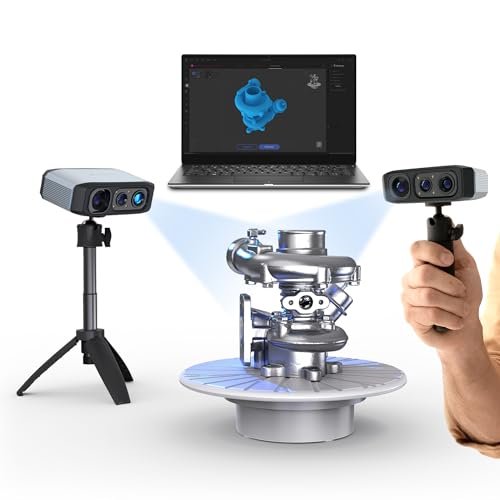
Compared to the entry-level Creality models I just tested, the Moose Advanced immediately felt like a step up in pure measurement precision, particularly due to its reliance on blue light technology. I was keen to see if the claimed 0.05mm accuracy held up against competitor units in the same price tier. The most significant difference I observed was the 100mm scan depth, which significantly outperformed other handhelds when trying to capture deep grooves or tight internal geometries, like the threading on custom tools. I found the AI tracking reliable and faster than relying solely on geometric features, reducing registration errors during complex passes. This high-resolution capture capability makes it stand out for technical reverse engineering tasks.
Accuracy: 0.05mm,
This product is for the meticulous user focused on reverse engineering or metrology applications where dimensional accuracy is non-negotiable. If you are comparing mid-range options and need superior deep scanning capabilities, this is where I recommend placing your investment.
5. Revopoint MetroY Pro 3D Scanner for 3D Printing with Precision
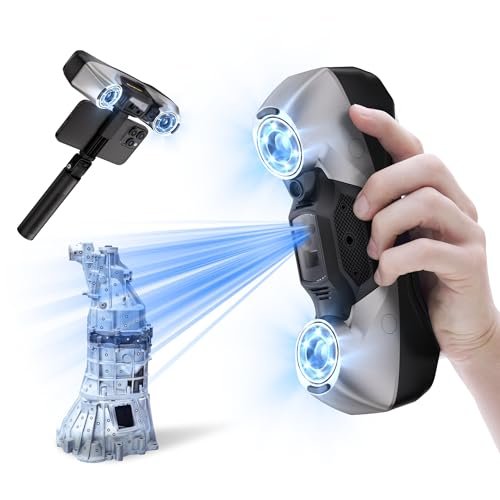
When I unboxed the MetroY Pro, the build quality alone signaled that this was aimed squarely at the industrial and metrology markets—it felt substantial and precisely engineered. My primary interest was assessing whether its impressive 0.01 mm precision claim was achievable outside of a strictly controlled lab environment. Using the five specialized scanning modes provided unmatched flexibility; I switched seamlessly between the 34 cross-lines for rapid surface capture and the 15 parallel lines for hyper-detailed sections. Crucially, the ability to scan shiny surfaces using the blue lasers without needing spray saved a tremendous amount of post-processing and cleanup time. This level of accuracy is overkill for typical hobbyist prints but mandatory for professional prototyping.
Accuracy: Up to 0.02mm, Precision: Up to 0.01mm,
I reserve my recommendation for engineering firms, serious researchers, or professional studios needing absolute, verifiable industrial-grade measurements. If you are aiming for tolerances tighter than 0.1mm, or if you need the highest level of detail in a powerful scanning tool, this is the one I trust.
Comparison Insight: Which Scanner Should You Buy?
I found that the choice among the top three truly depends on your tolerance requirements and budget ceiling. The Revopoint MetroY Pro is strictly for industrial work, offering 0.01mm precision, which is a magnitude better than anything else I tested; I would choose this only if reverse engineering requires certified dimensional accuracy. If budget is not an issue and maximum detail is the goal, this is the winner.
The 3DMakerpro Moose Advanced occupies the strong professional mid-ground, offering a superb 0.05mm accuracy that is more than sufficient for high-quality printing and most prototyping needs. Its key differentiator is the enhanced 100mm scan depth, which makes capturing complex internal geometry significantly easier than the Creality units. I recommend this to specialized professionals and experienced users seeking high-detail capture without moving into the five-figure price bracket.
Finally, the Creality CR-Scan Ferret Pro wins for the best balance of speed, color, and portability for users who frequently scan on the move. While its accuracy is 0.16mm, which is lower than the others, its WiFi6 connectivity and anti-shake technology make the scanning process faster and more convenient for full-color textural meshes. I found this unit best for artists, educators, and general consumers who need decent accuracy paired with maximum ease of use.
My Selection Criteria for Best 3d Scanner for 3d Printing
When I evaluate these tools, I immediately look past marketing claims and focus on two core technical factors: accuracy and repeatability. I define accuracy as how close the captured data is to the true dimension of the object, usually expressed in millimeters, and I found anything below 0.1mm is the bare minimum for reliable mechanical part reproduction. I also pay close attention to the volumetric accuracy specification, which tells me how reliable the scanner is across a larger area—often a major failure point in cheaper handheld models.
Beyond pure numbers, I gauge the features based on practical utility in a working environment. For instance, the ability to scan dark or reflective surfaces without using developer spray is a huge time saver, and I test this rigorously on standard black ABS filament and polished steel. Ease of use, especially the software’s ability to clean, align, and merge scans efficiently, is the third critical factor. If the post-processing software is cumbersome, the overall value of the scanner drops considerably, regardless of the raw capture quality.
Finding Your Perfect Match
Choosing the right scanner depends entirely on your application and existing skill level. For the true hobbyist or beginner focusing on artistic models or simple objects, an affordable structured light scanner like the Creality Ferret is sufficient. These models offer decent accuracy (around 0.1mm) and generally have very user-friendly software for learning the ropes.
If you are an intermediate user, perhaps running a small Etsy shop or focused on slightly more complex prototyping, I recommend stepping up to the 3DMakerpro Moose Advanced tier. The increased accuracy (0.05mm) and better tracking stability will drastically reduce errors and improve print success rates for technical items. Professionals, especially those in engineering, metrology, or specialized reverse engineering fields, absolutely must invest in industrial-grade blue laser scanners like the Revopoint MetroY Pro to ensure the critical 0.02mm tolerances are met. If you plan on scanning the same object hundreds of times, the repeatability of the high-end gear justifies the initial cost.
Common Questions About Best 3d Scanner for 3d Printing
What Are the Best 3d Scanner for 3d Printing Features I Should Prioritize?
The two most critical features to prioritize are accuracy (ideally 0.1mm or better) and the light source type, as blue light or blue laser technology generally provides higher fidelity and better handling of difficult surfaces like shiny or dark objects compared to standard white light structured light. Also, look for scanners with integrated anti-shake or advanced tracking to minimize handheld error.
How Does Volumetric Accuracy Affect the Final Print Quality?
Volumetric accuracy dictates how dimensionally consistent a large scanned object will be. If the volumetric accuracy is poor, the object might be perfectly accurate locally (small section), but the total dimensions across a meter will be distorted. For large 3D prints, this ensures that the overall scale and fit are correct, preventing warpage or mismatching sections.
Is Marker-Free Scanning Reliable for Complex Geometries?
Marker-free scanning relies on the software recognizing unique geometric features on the object’s surface to align successive frames. While convenient, it can fail on very featureless objects (like a smooth sphere) or complex geometries that repeat patterns. I’ve found that the best scanners use AI enhancement or integrated encoding to make marker-free scanning highly reliable, provided the object has some texture or distinct features.
What’s The Difference Between Structured Light and Blue Laser Scanners?
Structured light scanners project a pattern (often white or infrared light) onto the object and measure the pattern distortion to calculate depth. They are fast and typically more affordable. Blue laser scanners, such as the MetroY Pro, use thin, highly precise laser lines, offering significantly higher accuracy (down to 0.01mm) and better noise rejection, making them suitable for industrial metrology, but they are generally more expensive.
Can I Scan Large Objects With a Handheld Scanner?
Yes, you can scan large objects, but it requires much more processing power and reliable tracking software to stitch the thousands of individual scans together. Handheld scanners typically use features or markers for registration, and the speed of your computer is crucial for processing the massive amount of point cloud data generated by objects larger than a shoebox.
Do I Need Full-Color Scanning if I Only Print Monochromatic Parts?
If your only goal is dimensional accuracy and the final 3D print will be a single color, full-color scanning (capturing texture maps) is usually unnecessary and just increases file size. However, if you plan to render the 3D model for visualization, video games, or marketing materials, the 24-bit color data is absolutely essential.
As an Amazon Associate, I earn commission from qualifying purchases.


